


918Kiss APK for Android 4.1 2: Old vs New
Android 4.1.2, also known as Jelly Bean, still runs on some older phones and tablets today. Finding an app that works with this outdated system can be difficult because most modern software no longer supports it. 918Kiss offers an APK version built specifically for Android 4.1.2, giving users of older devices a way to access the casino-style game without needing an upgrade.
Check the 918Kiss Malaysia before you download anything.
The files themselves are on the download page.
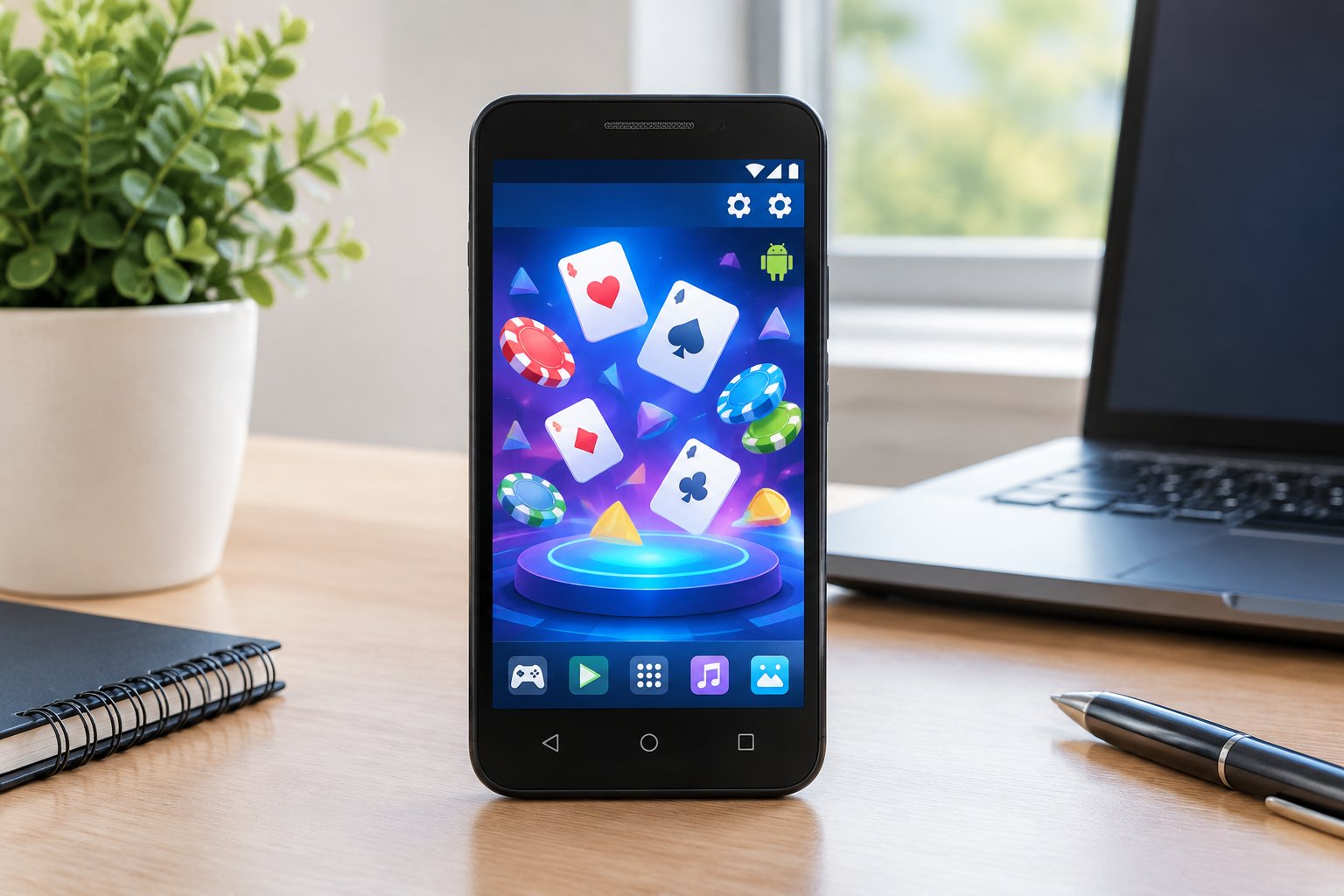
Older devices often struggle with newer apps because they have limited RAM and processing power. The 918Kiss APK for Android 4.1.2 addresses this problem by staying lightweight and placing fewer demands on system resources.
This makes it a practical option for anyone who wants to keep using an older phone without missing the app’s features. The sections below explain what this version offers and how to install it safely.
Platform Overview

918Kiss is a mobile casino application built for Android devices. It offers slot machines, table games, and live dealer options through one interface. The APK format lets users install the app directly on a device instead of going through an official app store, which makes it a common choice for people running older Android versions like 4.1.2.
Core Gaming Features
The platform uses a straightforward interface that keeps navigation simple across menus and game screens. Users log in through a personal account to access balances, deposits, and withdrawal options.
Key features include:
- Slot machine variety: multiple themes and payout structures
- Live dealer integration: real-time table games with human dealers
- Account management tools: balance tracking and transaction history
- Bonus systems: promotional credits and loyalty rewards
Graphics quality on older devices, including those running Android 4.1.2, usually drops compared with newer hardware. This adjustment helps the games run more smoothly despite limited processing power.
Supported Game Categories
918Kiss organizes its games into distinct categories, each aimed at different player preferences. Slot games make up the largest part of the library, with titles ranging from classic three-reel formats to more elaborate video slots.
Other categories include:
- Table games: blackjack, baccarat, and roulette
- Fishing games: arcade-style shooting formats with cash prize mechanics
- Live casino: streamed dealer sessions for table-based games
Each category is designed to work within the APK’s compatibility settings. On Android 4.1.2, though, some games may not work at full capacity because newer titles require software libraries that the older operating system cannot support.
Android 4.1.2 Compatibility
Android 4.1.2, known as Jelly Bean, has specific hardware and software limitations that affect which apps can run on it. These constraints shape the installation requirements and influence how well the 918Kiss APK performs on older devices.
Minimum System Requirements
Running 918Kiss on Android 4.1.2 requires a few basic specifications. Devices with too few resources may fail to install the app or experience frequent crashes.
Key requirements include:
- Operating system: Android 4.1.2 (Jelly Bean) or a compatible build
- RAM: At least 512MB, though 1GB is preferable for smoother operation
- Storage space: A minimum of 50-100MB of free space for installation
- Processor: A single-core or dual-core CPU capable of handling basic graphics rendering
- Unknown sources enabled: Since the APK is installed outside the Google Play Store, users must enable this setting in device security options
Older devices that meet these thresholds can usually install the app without major issues. Devices below these specifications often encounter installation failures or significant lag during use.
Device Performance Considerations
Performance on Android 4.1.2 devices depends heavily on the hardware’s age and condition. Older processors and limited RAM can slow loading times and affect graphics rendering, especially in games with detailed animations.
Users should expect the following trade-offs:
- Slower loading screens compared to devices running newer Android versions
- Reduced graphic detail in some games to accommodate limited processing power
- Battery drain may increase because the processor works harder on outdated hardware
- App stability can vary depending on how many background processes are running at the same time
Closing unused apps before launching 918Kiss can free up memory and improve responsiveness. Devices with expandable storage or additional RAM generally handle the app more reliably than those with fixed, minimal specifications.
Download Source Assessment
Where you download the 918Kiss APK for Android 4.1.2 matters just as much as the file itself. Verifying the source before installation lowers the risk of malware, outdated builds, or login credentials that don’t work.
Official Channel Verification
The 918Kiss operator does not typically publish direct APK links for outdated Android versions like 4.1.2 on major app stores because Google Play does not support this app category.
Users should instead confirm authenticity through the official 918Kiss website or verified agent portals. Legitimate sources use consistent branding, matching version numbers, and clear release information.
A few checks can help confirm legitimacy:
- Version number matches known official releases
- File size aligns with previous verified versions
- Domain name matches the official site, not a lookalike URL
- Digital signature or checksum, if provided, matches published values
Any mismatch in these details should raise a red flag.
Third-Party Website Risks
Many search results lead to third-party APK hosting sites that offer the 918Kiss 4.1.2 build. These platforms vary widely in reliability.
Some, such as established APK repositories, scan files for malware and maintain version histories. Others offer no verification at all.
Risks include:
- Modified APKs containing hidden malware or spyware
- Fake login portals designed to steal account credentials
- Broken installations that fail on older Android systems
- No customer support if the app malfunctions after installation
Users should cross-reference file hashes and read recent user feedback before downloading from an unofficial source.
Installation Process
Installing 918Kiss on a device running Android 4.1.2 involves two main stages: adjusting system settings to allow the installation and completing the app setup after the file downloads. Both stages matter if the app needs to run correctly on older hardware.
Preparing Device Settings
Before downloading the APK file, users must configure the device to accept installations from outside the Google Play Store. Android blocks this option by default for security reasons.
To adjust this setting:
- Open Settings on the device.
- Navigate to Security (labeled differently on some devices).
- Locate Unknown Sources and toggle it on.
- Confirm the change if a warning message appears.
Users should also check storage space at this stage. The app and its associated game files need a minimum amount of free memory, so verify that the device has enough space before proceeding.
A stable internet connection, preferably Wi-Fi, lowers the risk of a corrupted or incomplete download.
Completing the App Setup
Once the settings are adjusted, download the APK file from a trusted source. After the download finishes, the file usually appears in the device’s notification bar or Downloads folder.
Tap the file to open the installation prompt. The device will show the permissions the app requests, such as storage or network access, and the user must accept them to continue.
The installation can take a few moments on Android 4.1.2 devices because of their limited processing power. Afterward, the app icon appears on the home screen or in the app drawer.
Opening the app for the first time may require creating an account or logging into an existing one before users can access the available games.
Account Access And Security
Creating an account and keeping login details secure are essential steps before using 918Kiss on an Android 4.1.2 device. Users should understand the available sign-up methods and follow basic security practices to protect personal and financial information.
Registration Options
New users typically register for 918Kiss through an agent or designated third-party platform rather than through a sign-up form inside the app.
This process usually involves the following steps:
- Contacting an agent through a listed phone number, messaging app, or website
- Providing basic details such as a username, phone number, and preferred password
- Selecting a payment method for deposits and withdrawals
- Receiving login credentials once the account has been verified
Registration methods can vary by region and by the specific platform distributing the APK. Some versions may require users to verify their identity through a phone number before completing account activation.
Protecting Login Credentials
Users should never share login credentials with third parties, including people who claim to represent 918Kiss support.
A few practical measures can reduce the risk of unauthorized access:
- Use a unique password that is not reused across other accounts
- Avoid saving login details on shared or public devices
- Change passwords periodically, especially after suspicious activity
- Log out after each session on devices used by multiple people
Users on Android 4.1.2 should also take care when downloading the APK because outdated systems may lack modern security patches. Downloading only from verified sources helps limit exposure to fraudulent versions designed to steal login information.
Gameplay And Payment Considerations
Playing 918Kiss on an older Android device involves more than launching slot games. Users also need to understand how the wallet handles deposits and how withdrawal rules affect payouts. Reviewing both areas before committing real money makes sense.
Understanding Wallet Functions
The in-app wallet tracks a player’s balance, deposits, and winnings in one place. It typically connects to local payment channels such as bank transfers, e-wallets, or agent-assisted top-ups.
On Android 4.1.2 devices, the wallet interface may load more slowly because of hardware limitations, but its core functions remain available. Common features include:
- Balance display showing real-time credits
- Deposit history listing past transactions
- Transfer options for moving funds between game accounts
Users should confirm that transaction records match their bank statements. Report any discrepancies to customer support right away, since older app versions may not include the automatic reconciliation tools found in newer releases.
Reviewing Withdrawal Terms
Withdrawal terms vary by agent or platform operator because 918Kiss itself does not directly process payments in most regions. Minimum withdrawal amounts, processing times, and verification requirements depend on the reseller distributing the APK.
Some agents require identity verification before releasing funds, particularly for first-time withdrawals. Processing times can range from a few hours to several business days.
Players should look for hidden conditions, including wagering requirements tied to bonuses. These terms aren’t always visible inside the app and often appear only on the agent’s website or terms page. Reading the details beforehand can reduce the risk of delayed or denied withdrawals.
Troubleshooting Older Devices
Android 4.1.2 devices often encounter installation errors or connectivity problems when running this app because the operating system predates most modern app frameworks. Identifying the specific cause makes it easier to apply the right fix.
Installation Error Resolution
Installation failures on Android 4.1.2 usually come from a few common sources. Checking these areas first can save time before attempting a full reinstall.
- Corrupted APK file: Re-download the file from a trusted source if installation stops midway.
- Insufficient storage: Jelly Bean devices often have limited internal memory, so at least 100MB of free space is recommended.
- Unknown sources disabled: Go to Settings > Security and enable installation from unknown sources.
- Incompatible APK version: Some newer builds are not designed for Android 4.1.2 and require an older version instead.
If the error continues, clear the device’s package installer cache. Restarting the device afterward often resolves lingering conflicts.
Connection And Update Issues
Connectivity problems on older Android versions usually involve outdated security protocols. Android 4.1.2 does not fully support newer TLS standards, which can cause login or loading failures.
A weak or unstable Wi-Fi connection can also interrupt gameplay or stop the app from syncing properly. Switching between Wi-Fi and mobile data can help show whether the network itself is causing the problem.
Update notifications may not appear on older builds because many current servers no longer push updates to unsupported Android versions. Users should manually check for a newer compatible APK instead of relying on in-app prompts. Restarting the router or clearing the app’s data can also resolve intermittent connection drops.
Responsible Gambling Practices
Playing on an older Android device with apps like 918Kiss does not change the need for responsible gambling habits. Players should set clear boundaries and know where to turn if they need support.
Setting Spending Limits
Setting a budget before opening the app is one of the most effective ways to gamble responsibly. Players should choose a fixed amount they’re willing to lose and treat it as an entertainment expense, not an investment.
Some practical steps include:
- Deposit limits: Many platforms allow users to cap how much they can add to their account within a day, week, or month.
- Loss limits: Setting a maximum loss threshold helps prevent chasing losses after a bad session.
- Time limits: Restricting session length reduces the risk of extended, impulsive play.
Because 918Kiss on older Android versions may lack the latest account management tools found in newer app updates, players should track their spending manually if built-in limit features aren’t available. Keeping a simple log of deposits and losses gives a clearer picture of actual gambling behavior over time.
Accessing Player Support
Players who feel their gambling habits are becoming difficult to control should seek support promptly. Most licensed operators offer self-exclusion tools, so users can temporarily or permanently block their own accounts.
Support options typically include:
Local and national problem gambling helplines operate in most regions, including Malaysia. Trained counselors staff these services and understand gambling-related distress. They’re confidential and free of charge.
Players using outdated APK versions should also check that customer support channels remain active and responsive. Older builds may not always link directly to updated help resources.
It is also worth reading 918kiss Original APK: Complete Guide to Safe Download, Insta.